Photonkeeper
Gets imaging sessions off a DWARF 3 or DWARF Mini and into a proper archive on your own drive — and puts them back byte for byte identical, so the telescope can still megastack and restack them.


What it does
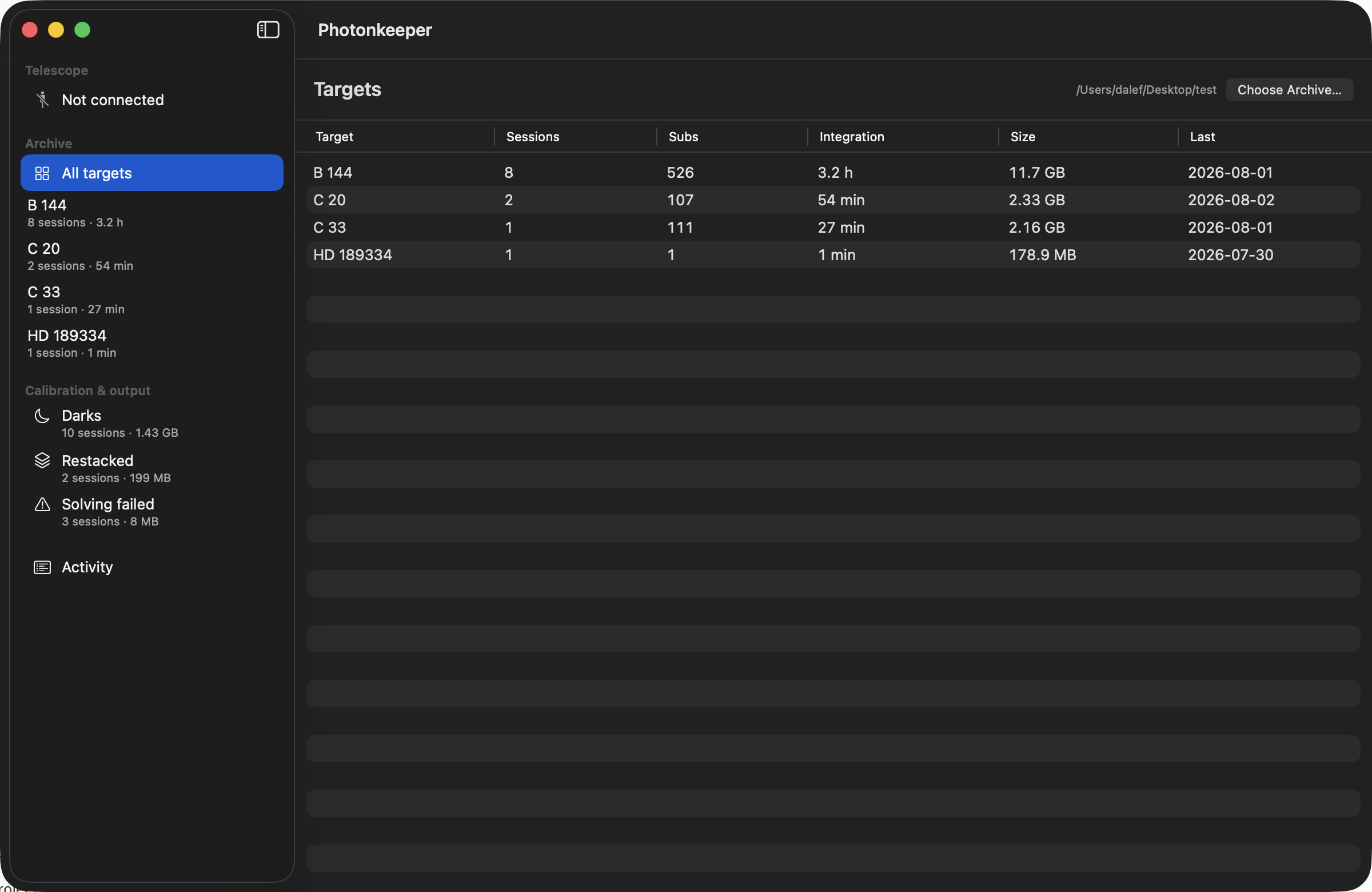
- Imports everything new off the telescope, SHA-256 checksumming each file as it copies rather than in a second pass.
- Works over the cable or over your own Wi-Fi network — Telescope → Connect over Wi-Fi. Wi-Fi imports and verifies; sending sessions back and freeing the card need USB.
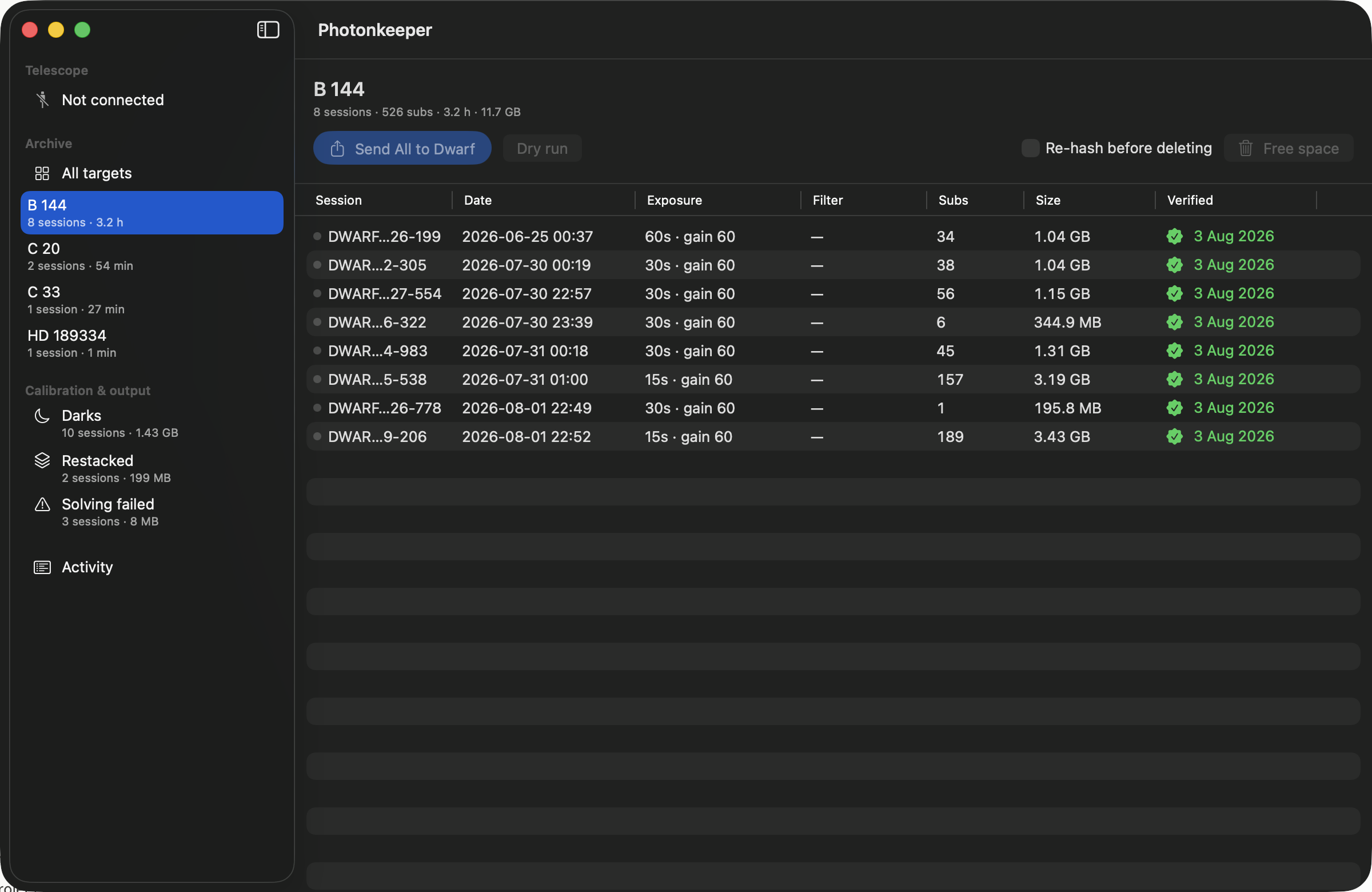
- Sends sessions back to the scope — filtered by target, date, exposure or gain — hashing on the way out and reading back to confirm.
- Frees onboard storage, but only for sessions it has just verified against your archive.
- Files
M 42,M42andNGC 1976as one target instead of three folders. - Shows you the night, not just a row about it: the stacked picture the telescope writes beside every session appears when you select it, with the exposure, gain, filter and date underneath. Space enlarges it, and the arrow keys walk a target's nights.
- Keeps two telescopes' work apart — calibration frames are filed per telescope, so a second DWARF can't overwrite the first one's darks, and Archive → Group Archive by Telescope gives each scope a folder of its own with a tick rather than a migration.
- Brings across your stills, videos and panoramas as well, if you ask, checksummed like everything else and filed under a
_mediafolder. - Moves sessions that went into the wrong archive to the right one — Move to Another Archive — keeping everything it knows about them, and clears the records of sessions you deleted in the Finder or Explorer behind its back.
- Re-checks the whole archive for bit-rot later, remembers what it found, and can fetch damaged files back off the telescope.
- Asks the other half of that question too — not just whether a frame has changed since it was imported, but whether it still opens as a frame at all.
- Imports a whole card, or just the sessions you pick out of the list.
- Removes sessions from the archive when you ask — to the Trash or the Recycle Bin, never straight out, and to a holding folder inside the archive on network drives, which have no Trash of their own.
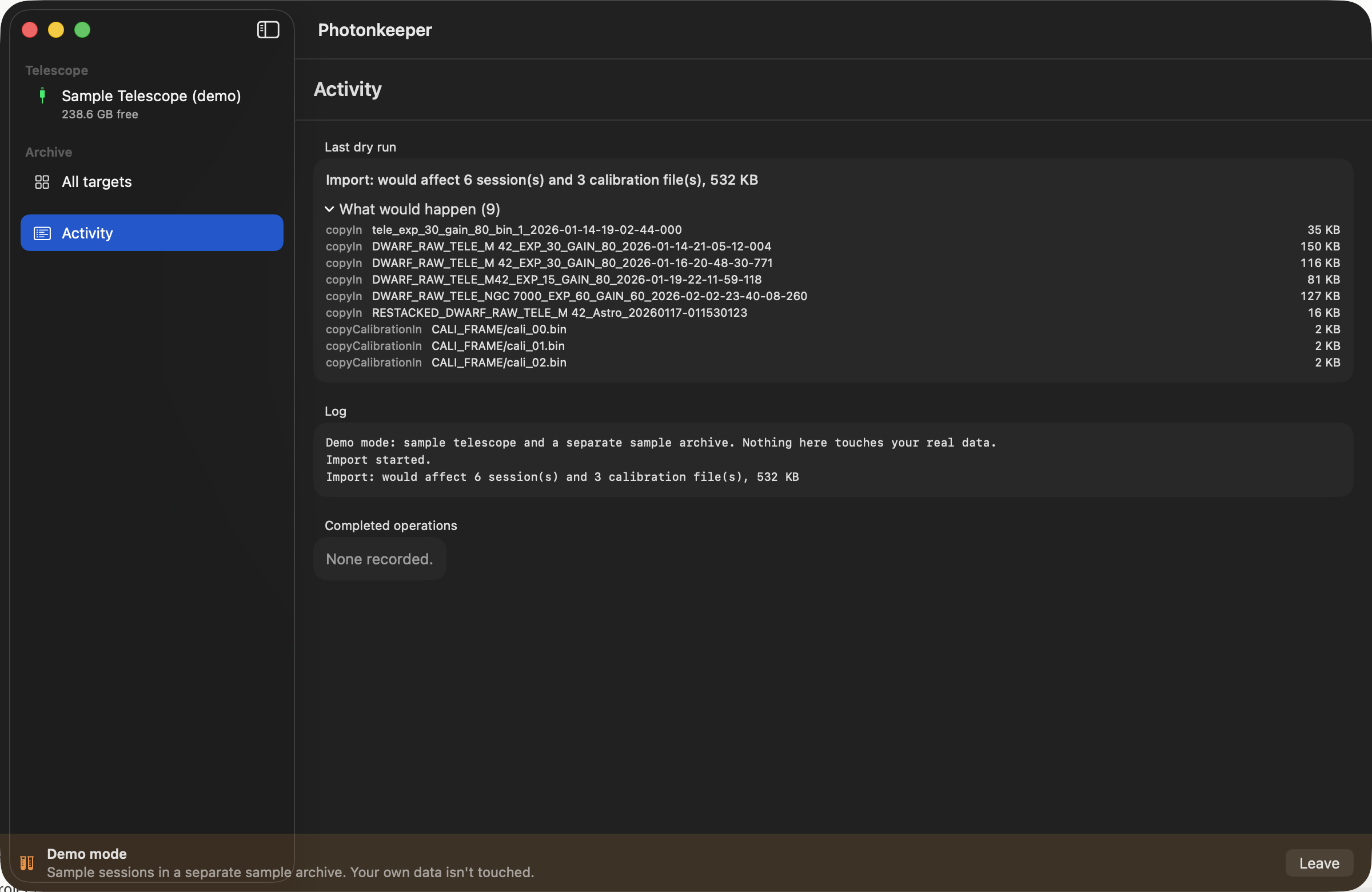
- Every operation has a dry run that shows exactly what would happen first.
Session folders are never renamed and nothing inside one is ever altered — all the organising happens in the directories above them.
Try it without a telescope
Both apps have a demo mode with sample data and a separate sample archive, so you can watch the whole round trip work before pointing it anywhere near your own sessions. Telescope → Try Demo Mode.
Screenshots
Requirements
- macOS 14 (Sonoma) or later, Apple silicon or Intel — or Windows 10 version 1809 or later, x64 or ARM64.
- A DWARF 3 or DWARF Mini. Over USB for everything; over your own Wi-Fi network for importing and verifying.
- Somewhere to keep the archive — an external drive is fine, and it's remembered even if you move or rename the folder.
The two are the same app and the same archive format: a drive written by one is read by the other, checksums and all. The Mac app is in English, French, German, Spanish, Japanese and Simplified Chinese, following whatever language your Mac is set to; the Windows app is in English for now. Help → Photonkeeper Help is a manual inside the app that names every command the way your own menus do.
Privacy
Photonkeeper collects nothing about you. There is no analytics, no telemetry, no crash reporting, no account to make, no licence to check and no tracking of any kind, and no third-party code in the app at all. Nobody, me included, learns what you photograph or when.
Your archive, its manifests and checksums, and a handful of small settings all stay on your own machine. The Mac App Store and Microsoft Store versions make exactly one kind of network connection — to your own telescope, on your own network. The Mac App Store build has the version check compiled out of it; the Windows build never had one written, because the Store handles updates. Copies downloaded from this page before Photonkeeper moved to the App Store add that one check, once a day, and it can be turned off.
Read the full privacy policy, which spells out every connection the app makes, exactly where your data lives, and what happens if you email me.
Get in touch
Bugs, confusion or feature requests: support@chryse.co.uk. If something went wrong, the Activity pane's Log keeps one, and every run writes one into your archive as well — Save… from the Log, or the newest file in _journal/logs/, is the single most useful thing you can send.